-

- Sopto Home
-

- Special Topic
-
- Converter Knowledge
-
- 5 Reasons to Upgrade to a Managed Switch

Converter Knowledge
- Form Factors and Application of Ethernet Media Converter
- Ethernet over 4 E1 Converter Brief Introduction
- What is the Difference between RS232 and RS485 Serial Interfaces
- What is the Difference between RS232 and RS485 Serial Interfaces
- How to Convert an Analog Telephone to VoIP Protocol?
- How to Find the Internet Protocol Address and Media Access Contr
- How to Convert from Fast Ethernet to Fiber Optics?
- How to Connect a Fiber Converter?
- How to Convert Ethernet to Fiber Media Converters?
SOPTO Special Topic
Certificate
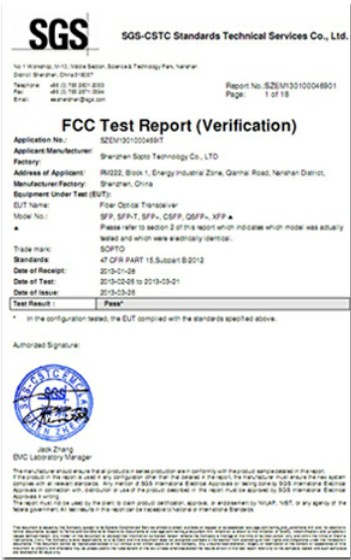
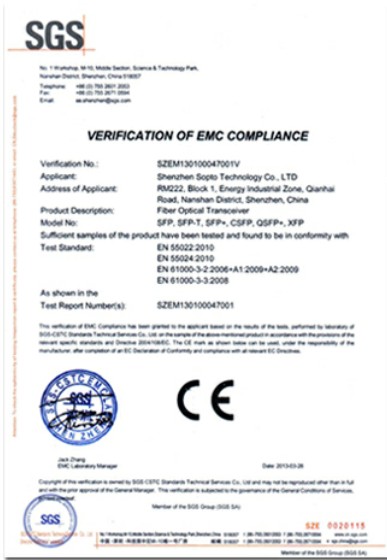
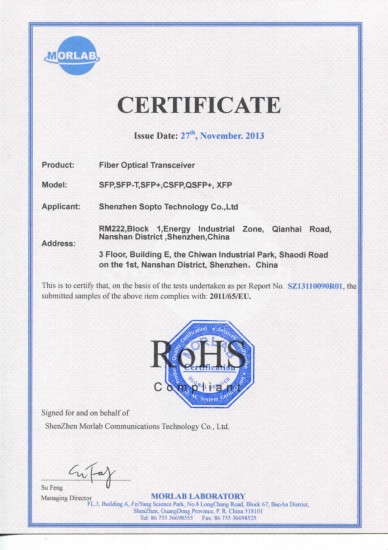
Guarantee
Except products belongs to Bargain Shop section, all products are warranted by SOPTO only to purchasers for resale or for use in business or original equipment manufacturer, against defects in workmanship or materials under normal use (consumables, normal tear and wear excluded) for one year after date of purchase from SOPTO, unless otherwise stated...
Return Policies
Defective products will be accepted for exchange, at our discretion, within 14 days from receipt. Buyer might be requested to return the defective products to SOPTO for verification or authorized service location, as SOPTO designated, shipping costs prepaid. .....
Applications
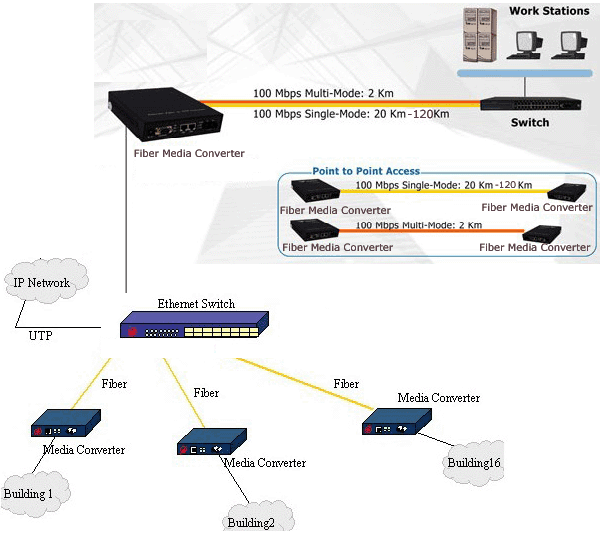
An Ethernet to Fiber Media Converter can also be used where there is high level of electromagnetic interference or EMI which is a common phenomenon found in industrial plants. This interference can cause corruption of data over copper-based ethernet links. Data transmitted over fiber optic cable however is completely immune to this type of noise. An Ethernet to Fiber Optic Converter therefore enables you to inter-connect your copper-ethernet devices over fiber ensuring optimal data transmission across the plant floor.
SNS Page


SOPTO Products
- Fiber Optic Transceiver Module
- High Speed Cable
- Fiber Optical Cable
- Fiber Optical Patch Cords
- Splitter CWDM DWDM
- PON Solution
- FTTH Box ODF Closure
- PCI-E Network Card
- Network Cables
- Fiber Optical Adapter
- Fiber Optical Attenuator
- Fiber Media Converter
- PDH Multiplexers
- Protocol Converter
- Digital Video Multiplexer
- Fiber Optical Tools
- Compatible
Related Products
Performance Feature
Converter Knowledge
Recommended
5 Reasons to Upgrade to a Managed Switch
Don’t get us wrong, unmanaged switches aren’t the pits or anything but you may be using one unwisely in your application. Managed switches are a bit “smarter” and can offer you a lot more flexibility and features you may not even know you need. So if you’re on the fence about upgrading to a managed switch or sticking with your unmanaged one, read our 5 reasons to upgrade to a managed switch list below. We’re pretty confident you won’t be anywhere near that fence afterwards!

1 FX+4 TP Management Fiber Switch
1. PRIORITY – Your data may not all be equal! If your network consists of different types of data packets, it may be necessary to prioritize the data that is passing through the network to ensure that the critical data is relayed quicker than lower priority packets.
For example, if your network consists of IP phones along with other data types, if may be necessary to tag the VoIP packets with a higher priority than the others since a time delay with these packets can be more sensitive than a delay in the other data types. Prioritizing packets is a feature that is referred to as Quality of Service (QoS) in switch specifications.
2. SECURITY – Do you send sensitive information through your network? Do you need to limit access to the internal network to only specific people? With a managed switch you can secure your network connections and also protect any unused ports on your switch.
For example, if there is an unused port on your managed switch, you can disable that port or even apply MAC address filtering so as not to allow unauthorized users or devices to access the network by just plugging in. Managed switches also require additional authentication through password protection of the network.
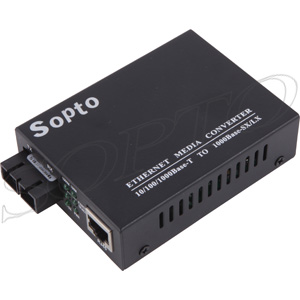
3. REMOTE ACCESS/CONTROL – While you may need to find your source of exercise elsewhere, gone are the days where you would need to physically access your equipment to change settings or manage your network. A managed switch enables you to access your network controls and troubleshoot from anywhere in your network as an administrator. Features like web-based management allow you to log in and monitor each port on your switch giving you the freedom to turn on/off ports without having to physically unplug any cables.
4. RATE LIMITING – Need to control the data being passed through by a certain computer/user? A managed switch allows you to set maximum bandwidths for each port on the switch so that one person or device cannot tie up too much bandwidth and potentially bring down the entire network.
5. FLOW CONTROL – Do you need to make sure your sales data doesn’t cross paths with your accounting data? A managed switch can allow you to segregate departments (without hurting anyone’s feelings!) with features like VLAN tagging that allow you to direct traffic through your network appropriately by labeling packets in the same department with the same tag. This will also allow you to mitigate the need to do extensive re-cabling in your network for segregation purposes.
For more info, please browse our website. If you want to purchasing related products with Ethernet Switches, please contact a Sopto representative by calling 86-755-36946668, or by sending an email to info@sopto.com.