-

- Sopto Home
-

- Special Topic
-
- PCI-E Card Knowledge
-
- How to Tell AGP from PCI?

PCI-E Card Knowledge
- Info about Network Interface Card Teaming
- How to Setup a Server with Multiple Network Interface Adapters?
- How to Reconnect an Internet Network Adapter for an Acer Aspire?
- 9 Things to Do When Your Internal Network Card Stops Working
- Ethernet Standards NIC for Home Networking
- What Is a Network Interface Adapter?
- How to Configure a Network Interface Card in Linux?
- How should Configure Your NIC for ISA and TMG?
- Recommended Network Card Configuration for Forefront UAG Servers
SOPTO Special Topic
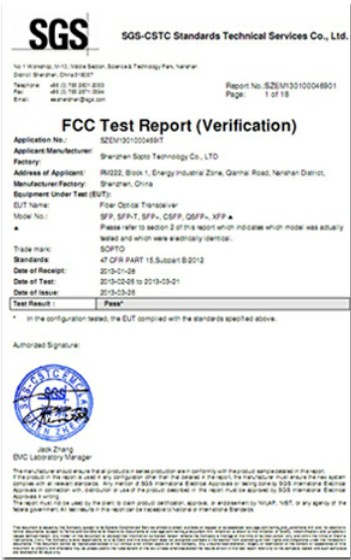
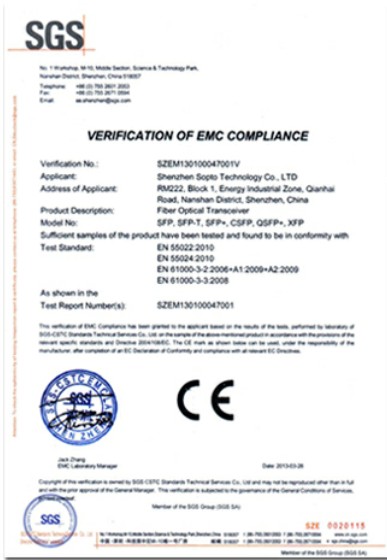
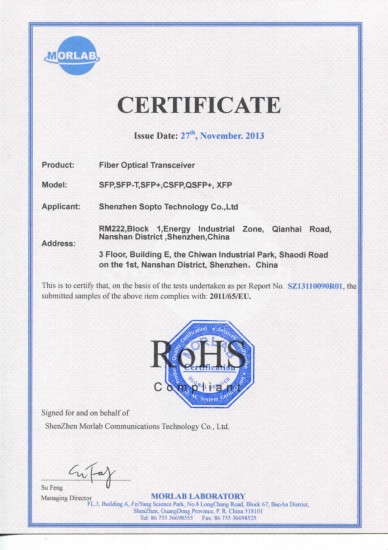
Certificate
Guarantee
Except products belongs to Bargain Shop section, all products are warranted by SOPTO only to purchasers for resale or for use in business or original equipment manufacturer, against defects in workmanship or materials under normal use (consumables, normal tear and wear excluded) for one year after date of purchase from SOPTO, unless otherwise stated...
Return Policies
Defective products will be accepted for exchange, at our discretion, within 14 days from receipt. Buyer might be requested to return the defective products to SOPTO for verification or authorized service location, as SOPTO designated, shipping costs prepaid. .....
Applications
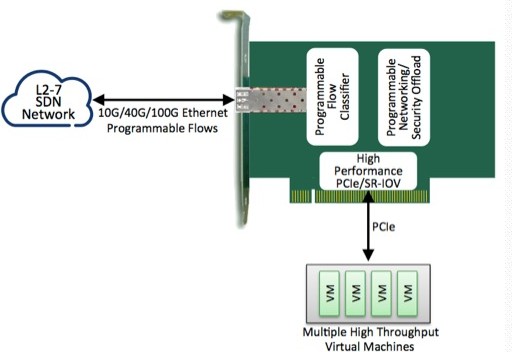
PCI-E NIC Cards provide redundant connectivity to ensure an uninterrupted network connection.
PCI-E NIC Cards are ideal for VM environments with multiple operating systems, requiring shared or dedicated NICs.
They are specially designed for desktop PC clients, servers, and workstations with few PCI Express slots available.
SNS Page


SOPTO Products
- Fiber Optic Transceiver Module
- High Speed Cable
- Fiber Optical Cable
- Fiber Optical Patch Cords
- Splitter CWDM DWDM
- PON Solution
- FTTH Box ODF Closure
- PCI-E Network Card
- Network Cables
- Fiber Optical Adapter
- Fiber Optical Attenuator
- Fiber Media Converter
- PDH Multiplexers
- Protocol Converter
- Digital Video Multiplexer
- Fiber Optical Tools
- Compatible
Related Products
Performance Feature
PCI-E Card Knowledge
Recommended
How to Tell AGP from PCI?
Accelerated Graphics Port (AGP) and Peripheral Component Interconnect (PCI) are two common types of bus interfaces on computer motherboards. AGP slots are designed to allow AGP video cards to connect to a motherboard, while PCI slots are all-purpose expansion slots. Many types of devices, such as network cards, sound cards and modems, can attach to a motherboard using PCI slots. If you plan to install a new device inside your computer, you may need to distinguish between the AGP and PCI slots.
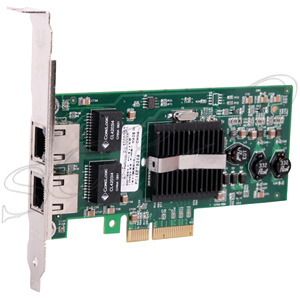
PRO/1000 PT Dual Port PCI-E Server Adapter
Then, how we can distinguish the AGP and PCI? Follow the way below may help.
- Turn off your computer and unplug all the cables.
- Remove the screws along the back of the case and set the case panel aside. The expansion slots are typically located along the bottom back corner of the case, on the motherboard.
- Look for several parallel slots that are identical in color, shape and size. These are the PCI ports. Most computers have several PCI ports (sometimes 4 or more), but motherboards will have 1 AGP slot at most.
- Compare port color. PCI slots are usually white or some other light color while AGP slots are usually a dark brownish color. If the motherboard has one dark-colored slot and several light-colored slots, the AGP port is the port with the dark color and the PCI ports are the lightly colored ones.
- Check port position. On most motherboards, the AGP slot is located above the PCI slots when the case is standing upright.
Tips & Warnings:
- AGP video cards are outdated. Few new computers come with AGP-compatible motherboards.
- Most new video cards are built into the motherboard or use PCI Express card slots.
For more info, please browse our website.